Navigation Files
https://support.moderncampus.com/learn-omni-cms/pages-files/ounav-files.html
Navigation will be auto populated based on navigation file: _nav.ounav. The file can also be manually updated with appropriate permissions and order arranged with drag and drop. Navigation can link to a file or external URL, and designated to open in same window or new tab. If a _nav.ouvnav file is added to a section after there are existing pages, the pages will have to be manually added to the nav file. New pages are automatically added only if there is already a _nav.ounav file in the section.
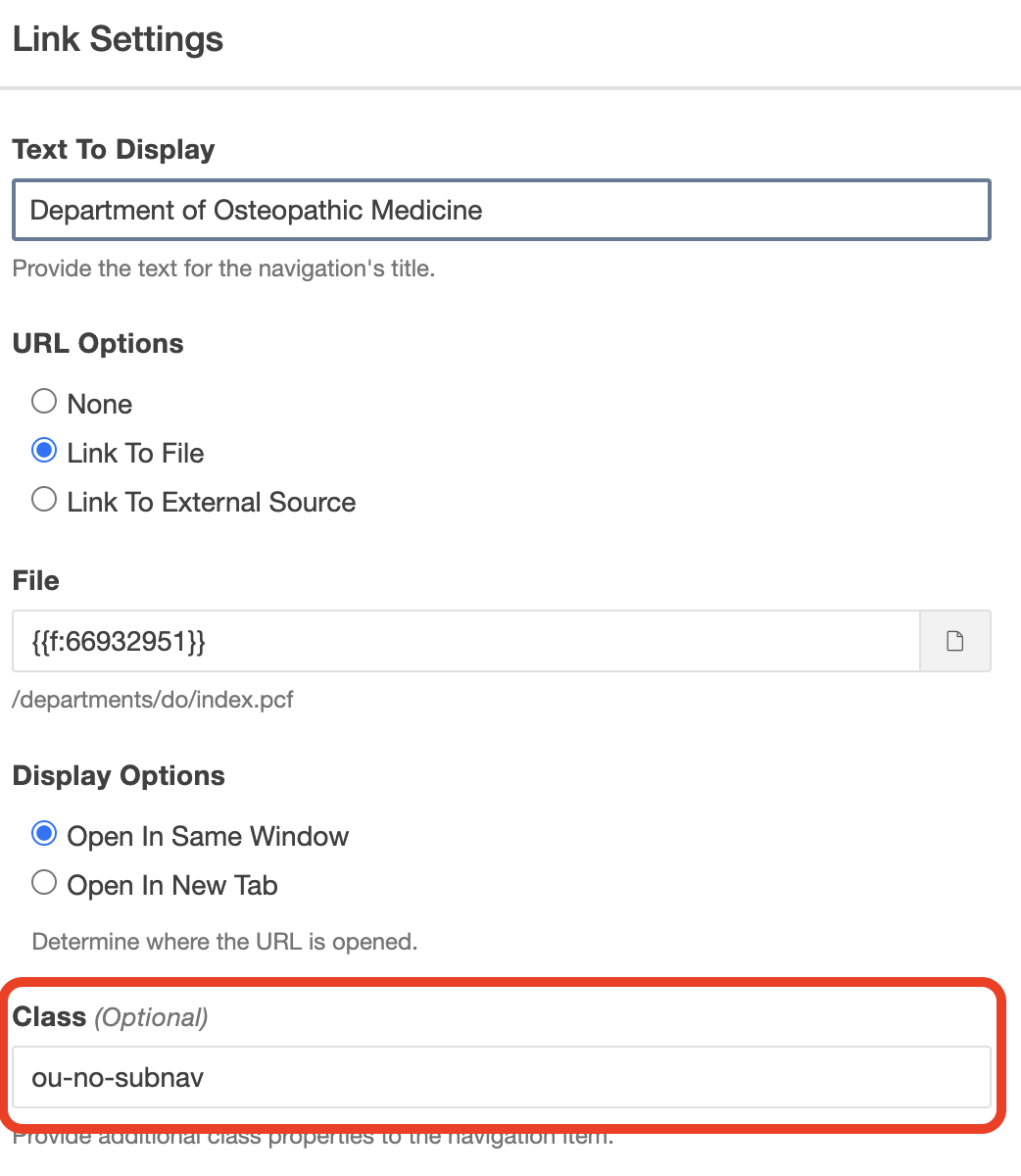
If you are linking outside the folder you are in, you must add the class “ou-no-subnav" to the navigation item.
- If pages in navigation aren’t linked, they won’t show on the live page.
- If there is no navigation on the page, in the page properties uncheck “menu” or it will be an empty “menu” on mobile devices.
- Pages must be republished to update navigation.
There is no option to have nested navigation.